Rendering
Arnold renders, the hair shader, render LOD and farm renders from groom files.
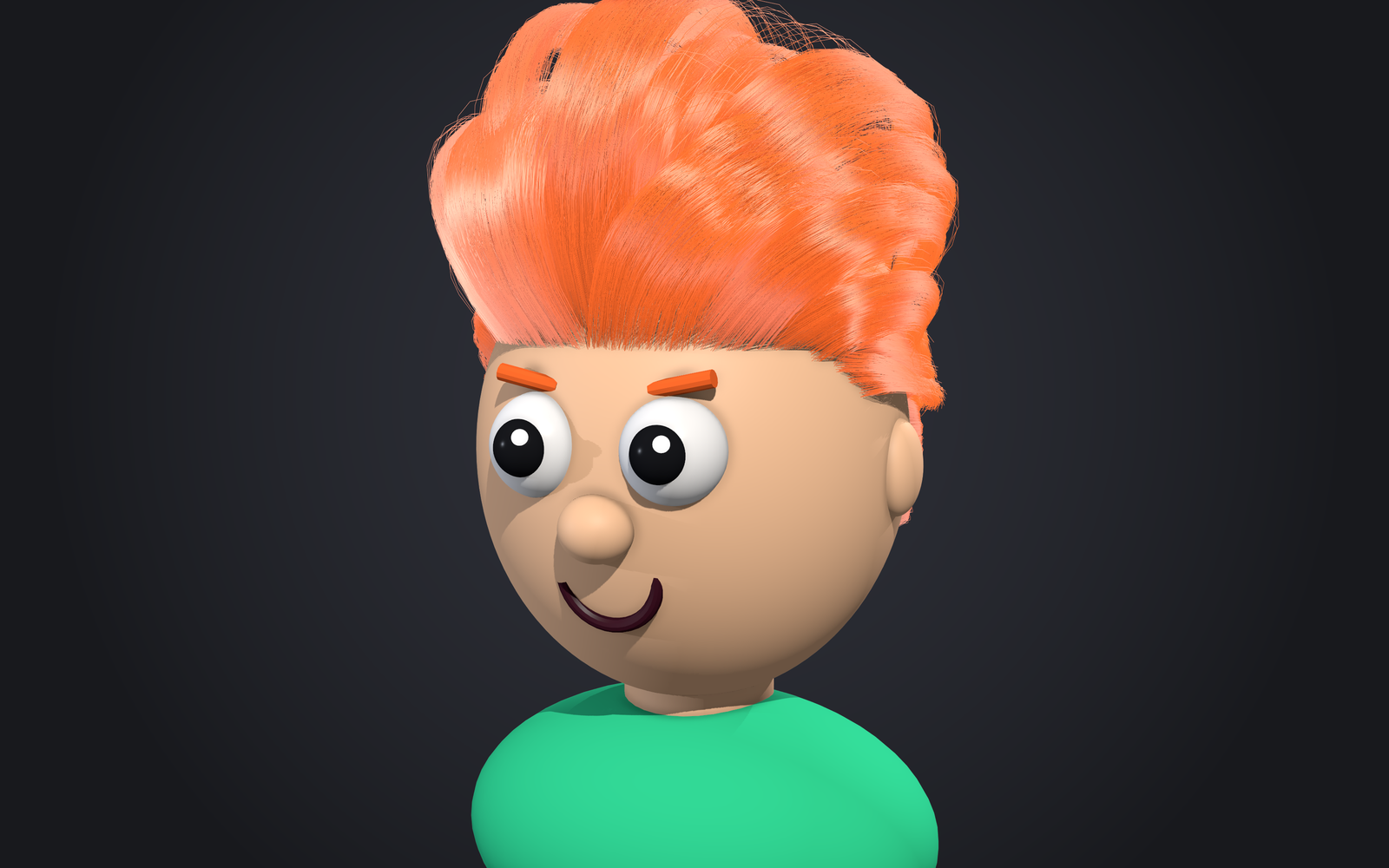
Render in Arnold
Render as usual. MtoA loads GroomLab's translator automatically: it re-evaluates the graph at
full density (ignoring previewDensity) and exports native Arnold curves, with deformation motion
blur when it's on.
Instances
The Instance node's meshes (snow, beads, dandruff) render through an Arnold instancer beside
the curves, in both render modes. With deformation blur on they blur with the hair: every motion
step places them on that step's strands, so they move with the scalp and the simulation.
scaleByWidth(on by default) sizes each instance by the strand's width where it sits, so it follows the Width node's taper.pinToRestkeeps each instance at its distance from the root measured at rest, so strands that stretch in a simulation don't slide it toward the tip.sizeModefitStrandsizes each instance to its strand, for leaves or feathers: along the prototype's +Y (its long axis, whichorientaims) it spansfitScaleof the strand's rest length (1 is the whole strand), and across it isaspectof that. Model the prototype 1 unit long up +Y from its base at the origin. The size comes from the rest length, so it holds steady while a simulation stretches the strands. Theleaves_on_strandspreset sets it up.
Scales
Scales (the Instance node in mode scales) render as one mesh bent onto the skin, the strands
that place them hidden. Each scale carries user data for any surface shader: scaleColor (its
strand's HairColor, base to tip), scaleRootColor, scaleId (a random 0-1), scaleUV (the
scalp's uv at its root) and scaleVariant. For your own look, feed an aiUserDataColor
reading scaleColor into an aiStandardSurface's base color and name its shading group in the
node's material; without one, the built-in plates take a surface that reads scaleColor, and a
mesh of your own its own shading group. Groom-file renders (the procedural) do the same, with
your own plates too: the groom file keeps their meshes. With deformation motion blur on, the
scales get a key per motion step, bending with the body.
Scales in other packages and engines
- Alembic and USD: the scales go beside the strands as one animated mesh, bent exactly as
they render, with
scaleColorper vertex andscaleRootColor,scaleId,scaleUVandscaleVariantper face. - Unreal, exact: GroomLab > Export > Scales Mesh (FBX)... writes a static mesh (the per-scale
data in uv channels 1 and 2 and the vertex color); skin
groomlab.scale_mesh(groom)with the body in Maya for a skeletal mesh. - Unreal, instanced: GroomLab > Export > Scales Instancer (USD)... writes a USD PointInstancer of the plates, each tilted and placed as its scale. With Unreal 5's USD Importer plugin, File > Import Into Level brings it in as instanced static meshes you can still edit. Instancers do not bend the plates over the body: the mesh export is the exact one.
- Baked maps: GroomLab > Export > Bake Scale Maps bakes the scales into the body's uvs as a normal map (OpenGL +Y; flip green in Unreal), a 16-bit height map and a color map with coverage, a tile each for UDIM bodies: far-away or tiny scales without geometry. In Arnold: the color as base color, the normal through an aiNormalMap, the height as displacement of the returned height.
Hair shader
- Create Hair Shader on the HairColor node (or
groomlab.create_hair_shader(groom)) makes anaiStandardHairwhose melanin reads the colors HairColor writes per strand, and assigns it. - Assign any shading group with
groomlab.assign_shading_group(groom, sg). - HairColor also writes linear RGB, so the same color reaches Unreal, USD, Alembic and the cards.
- A tip color (
tipAmountabove 0) renders: the curves'hair_colorthen has a color per point, and Create Hair Shader reads that RGB instead of melanin. It does so when any HairColor node making the output (a merged branch too) has a tip color, a map, a texture, a color set, color variation, bands, a feather pattern or a down color. - Iridescence (structural color): Create Hair Shader adds a small network that picks the
iridescent color off a ramp by the camera ray's angle to each strand's normal (a feather's
vane) and mixes it into the base color and the highlight by the strands'
iridescenceuser data. It approximates what the viewport shows (within a few hue degrees face-on and edge-on; the normal is not leaned along the strand, and the ramp is linear between five keys).
Level of detail
For crowds and wide shots, the groom's Level of Detail attributes (Attribute Editor > Rendering) thin and cull strands at render time against the render camera:
| Attribute | Effect |
|---|---|
lodDistance | Keeps fewer strands with distance, from lodNear to lodFar, widening the rest to keep coverage. |
cameraCull | Drops strands wholly outside the camera's view (plus cullMargin). |
The same strands stay from frame to frame, and every motion key keeps them.
Farm renders from a groom file
GroomLab > Export > Render from Groom File... exports a .groom file with its scalp cache.
Exported .ass files then hold a small procedural that evaluates the groom at render time, with
no Maya needed.
groomlab.render_from_groom_file(groom, "C:/shots/010/hair.groom", start=1, end=48)The farm needs GroomLab/procedurals on ARNOLD_PLUGIN_PATH, as the module sets up.
groomlab.render_curves(groom) switches back.
Caches for other packages
- Alembic and USD: GroomLab > Export > Alembic... or USD... (curves with widths, root UVs and strand channels).
- Headless:
groomlab-cli eval hair.groom -o hair.usda -f 1-48evaluates a groom file without Maya (--scales instancerwrites the scales as a PointInstancer;groomlab-cli bake-scales hair.groom -o maps/hair_bakes their skin maps).
Turntables
GroomLab > Review > Render Turntable... renders the groom going round in Arnold in the
background, into the scene's groomlab/<scene name>/renders folder (an .mp4 too with ffmpeg).