Fur & feathers
Short fur, coats and feathers grown from shafts.
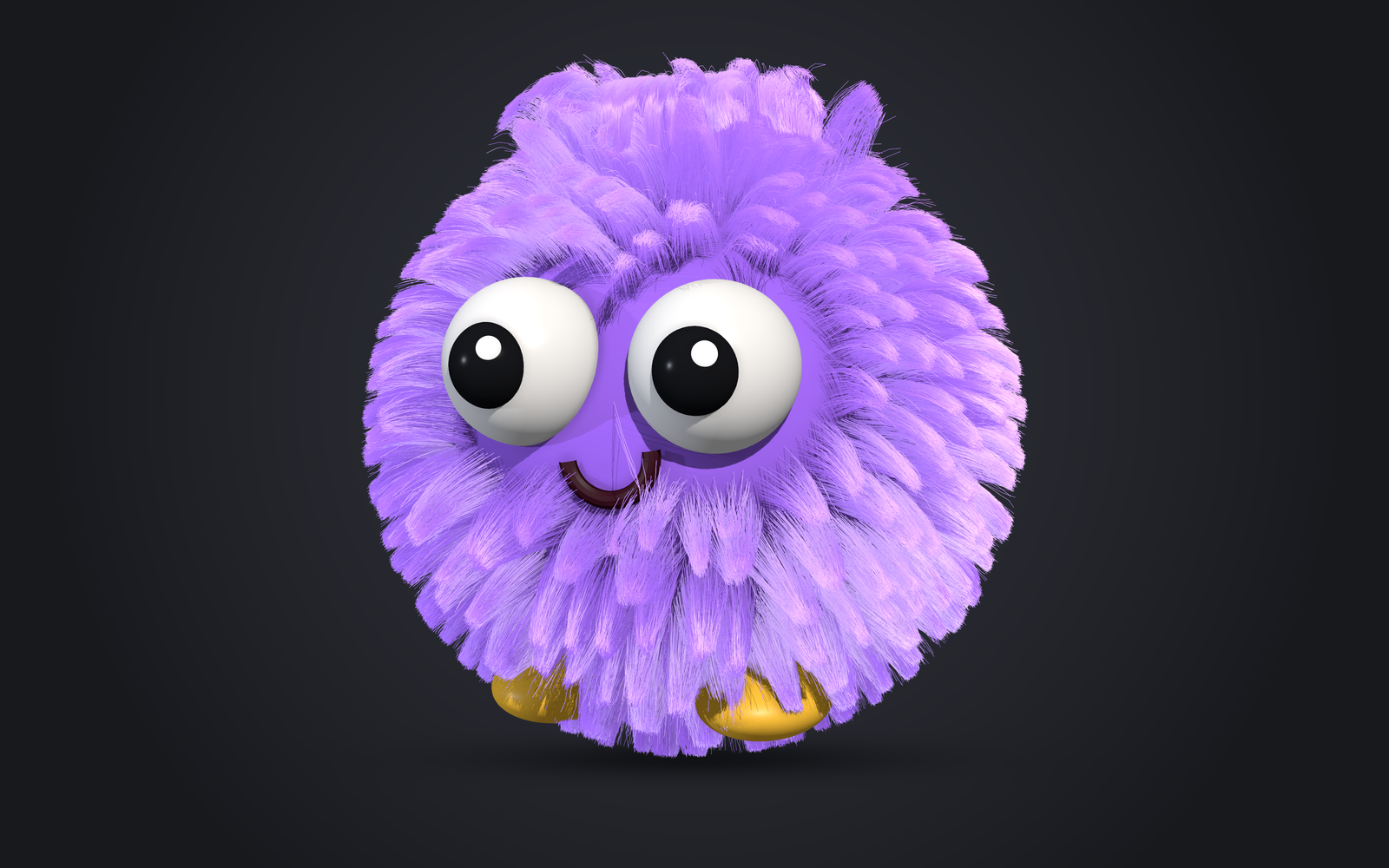
Fur
Fur is the same graph as hair: Scatter, Interpolate from guides, then Clump, Noise and friends.
- Short fur without guides: groom a direction field with the Flow tool and lay strands
along it with a Flow node.
Scatter → Length → Flow → Widthgrooms fur with no guides at all; thevellus_flowpreset is a starting point. - Accents on a flow groom: the
flow_with_guidespreset lets a few guides make tufts and cowlicks while the flow grooms the rest. - Fur only along the guides: Scatter's
guideRadiuskeeps only roots near a guide: a patch, a stripe or a mane. - Fur parting around whiskers, horns or eyes: give a Clump a negative
strength(to -1) and the whiskers' guides as itscenters: the fur withinrepelRadiusof each center moves out toward that distance, along the skin and never into it, keeping its length; fur farther away is untouched. Thewhiskers_partpreset grows whiskers from guides (ToStrands) and parts the fur around them. - Presets:
clumped_fur(from guides),creature_fur(flow arrows, soft tufts),agouti_fur(banded guard hairs over a plain undercoat) andwhiskers_part(fur parted around whiskers) are starting points; see Presets. - Banded, tipped and shaded coats: see Color patterns.
Feathers
Feathers are grown, not modelled. Every strand fed to a Propagate node (Add Node > Feathers) is a shaft that grows barbs, and the barbs are ordinary strands for the nodes after it: Noise, Curl, Width, HairColor, Clump and Cards all work on them.
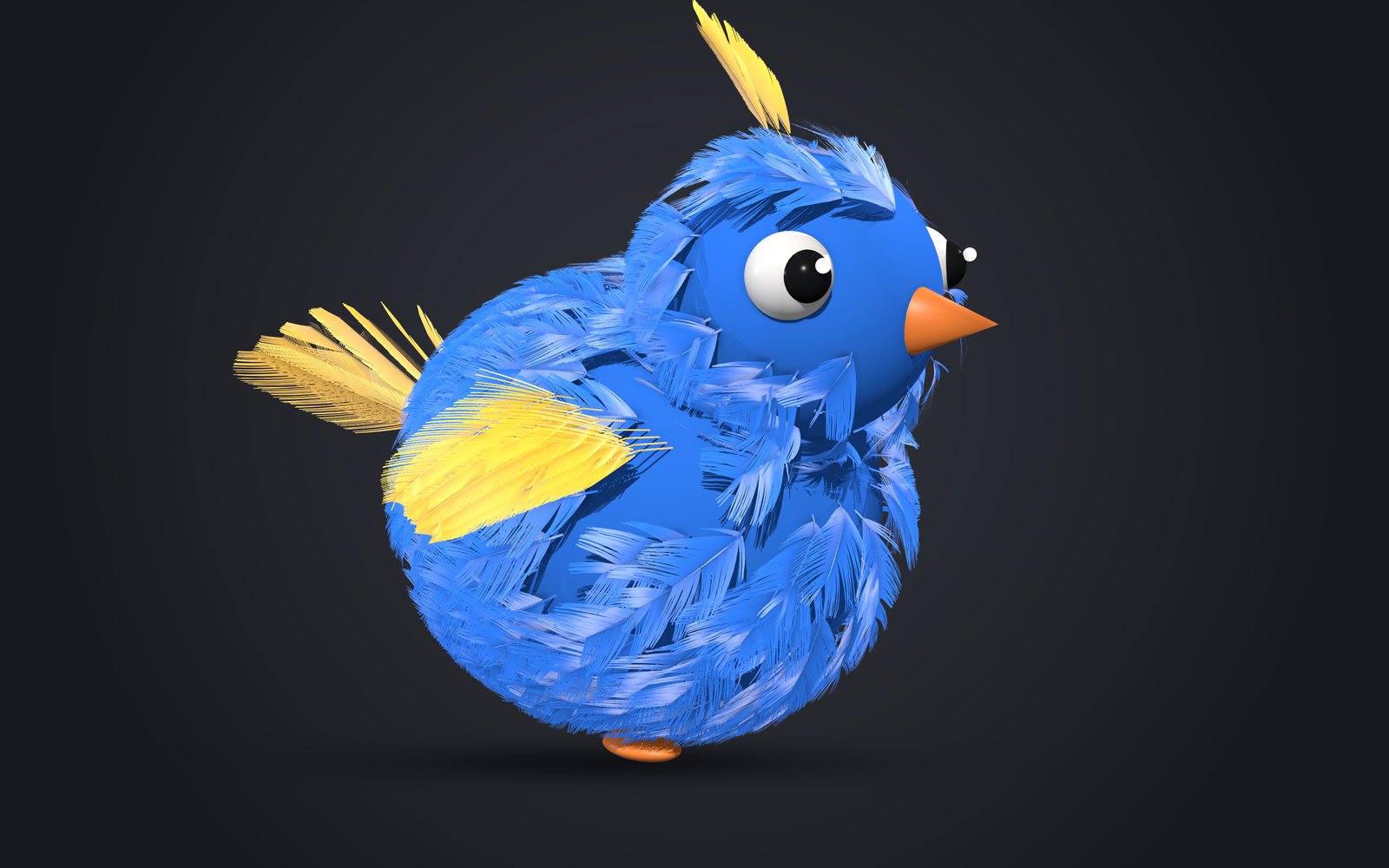
Add feathers
- From a scatter:
groomlab.add_feathers(groom, "contour")scatters shafts and shapes them with your guides: comb the guides along the body and the feathers lie with them. - Hand-placed: draw curves from the skin, then
groomlab.add_feathers(groom, "flight", source="guides", curves=curves). Each curve becomes a guide you can brush.
Designs
| Preset | Look |
|---|---|
contour | Rounded vane lying on the body, a few splits |
down | Short shafts, fluffy curly barbs all around |
flight | Long, stiff, asymmetric vane |
afterfeather | A contour vane whose base turns to fluff, like a chick's |
barred | White bars across one vane, the other iridescent green, a white downy base (Color patterns) |
Each design is a Compound: right-click it > Ungroup Compound (Ctrl+Shift+G) to see and edit its
nodes. On Propagate, lengthProfile draws the
vane's outline, angle sets how far barbs lean, curl bends them, droop cups the vane and
splits gathers barbs into the gaps real feathers have.
A downy base is one setting: Propagate's down (0.2-0.4) turns the barbs from start up to
there into soft, curly down (downCount, downLength, downCurl, downFrizz), which
HairColor's downColor colors.
A fluffier base (the afterfeather) is a second Propagate on the same shafts: start 0 and end
about 0.4, longer barbs with droop and lift, more segments, then Curl and Noise for the
fluff. A third Propagate on those barbs (short length, few segments) grows barbules, the fine
wisps that make down look fuzzy. Give each branch its own HairColor and join them with Merge:
the afterfeather design is built this way.
Blending the two uses where each barb sits on its shaft, the shaftU channel (0 root, 1
tip). An Expression such as 1 - smoothstep(0.2, 0.5, $shaftU) is 1 at the base and 0 up the
vane: plugged into Noise amplitude and Curl radius, it unzips the vane's lowest barbs into
fluff. Add $rand to it and plug it into a Split's select (map mode, select 1) to send those
barbs, speckled, to the base's HairColor. Multiply by 1 - $isShaft to leave the shaft alone.
Assortments with Split
groomlab.add_feathers(groom, ["contour", "down"], weights=[3, 1]) routes shafts through a
Split node (outputs a to d, by share or by a painted map), one design per output.
The rachis
shaftWidth makes each shaft a tube: geometry to skin with the character in a game engine, with
barbs rooted on its surface. See Game export.